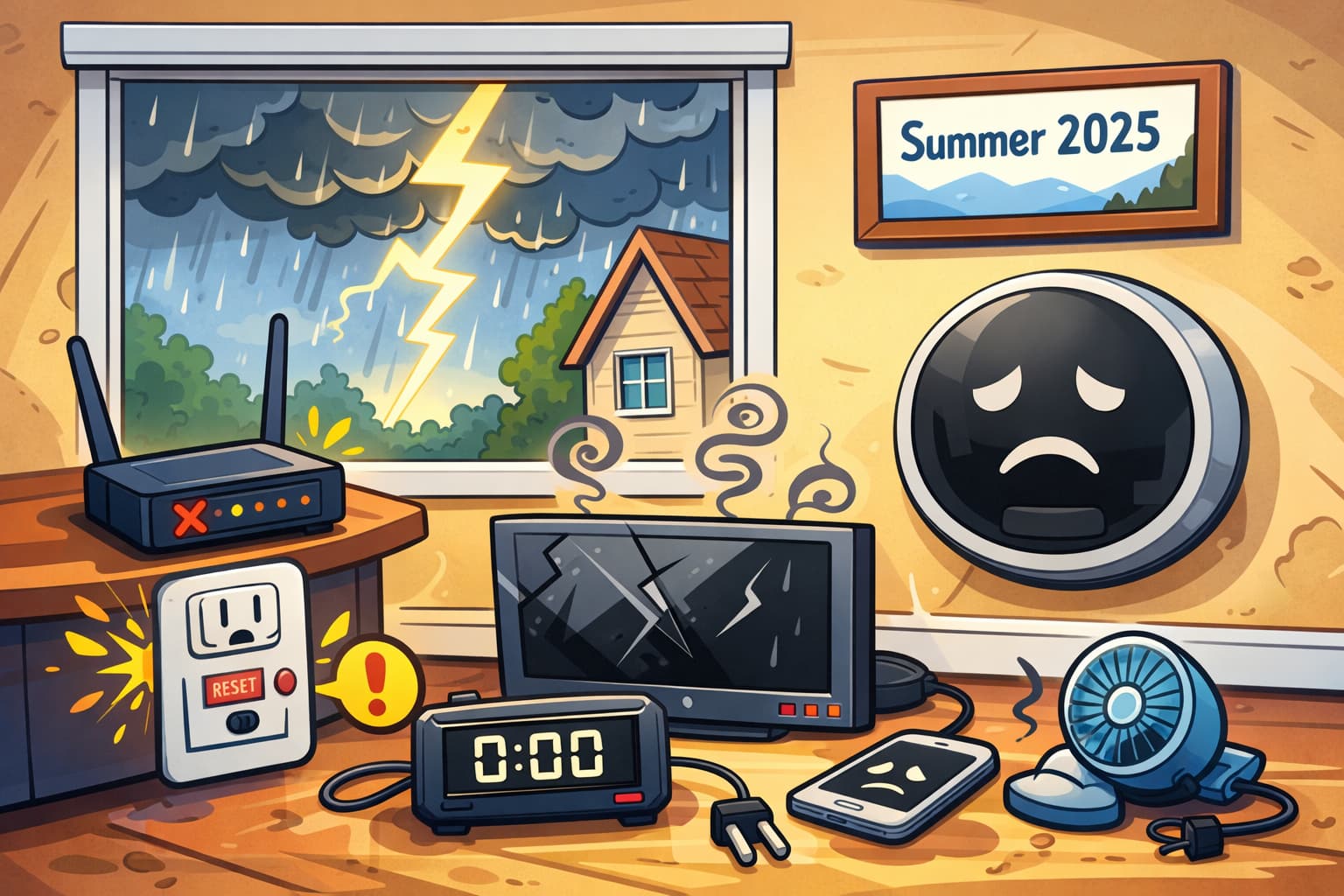
This happened in the summer of 2025. While we were away on a trip, a strong thunderstorm passed through our home area, and several devices at home stopped working.
Introduction
If you need to check or replace your thermostat and decide to do it yourself like in this post — you do so at your own risk!
Electricity and HVAC are no joke. If you’re not confident in your abilities, it’s better to call a professional. You’ll save time, stress, and possibly your health 😉
My family and I were on a week-long trip around the states. When we returned home, we discovered some damage. I suspect it was caused by a strong thunderstorm.
A GFCI outlet failed, the modem (coax to twisted pair — the LAN port died) broke, and my Google Nest E thermostat stopped working.
Diagnosis
I simply ordered a new modem and replaced the outlet. But with the thermostat, I had to do some troubleshooting to figure out exactly what was wrong. It could have been a problem with the HVAC control board, the transformer, or the wiring.
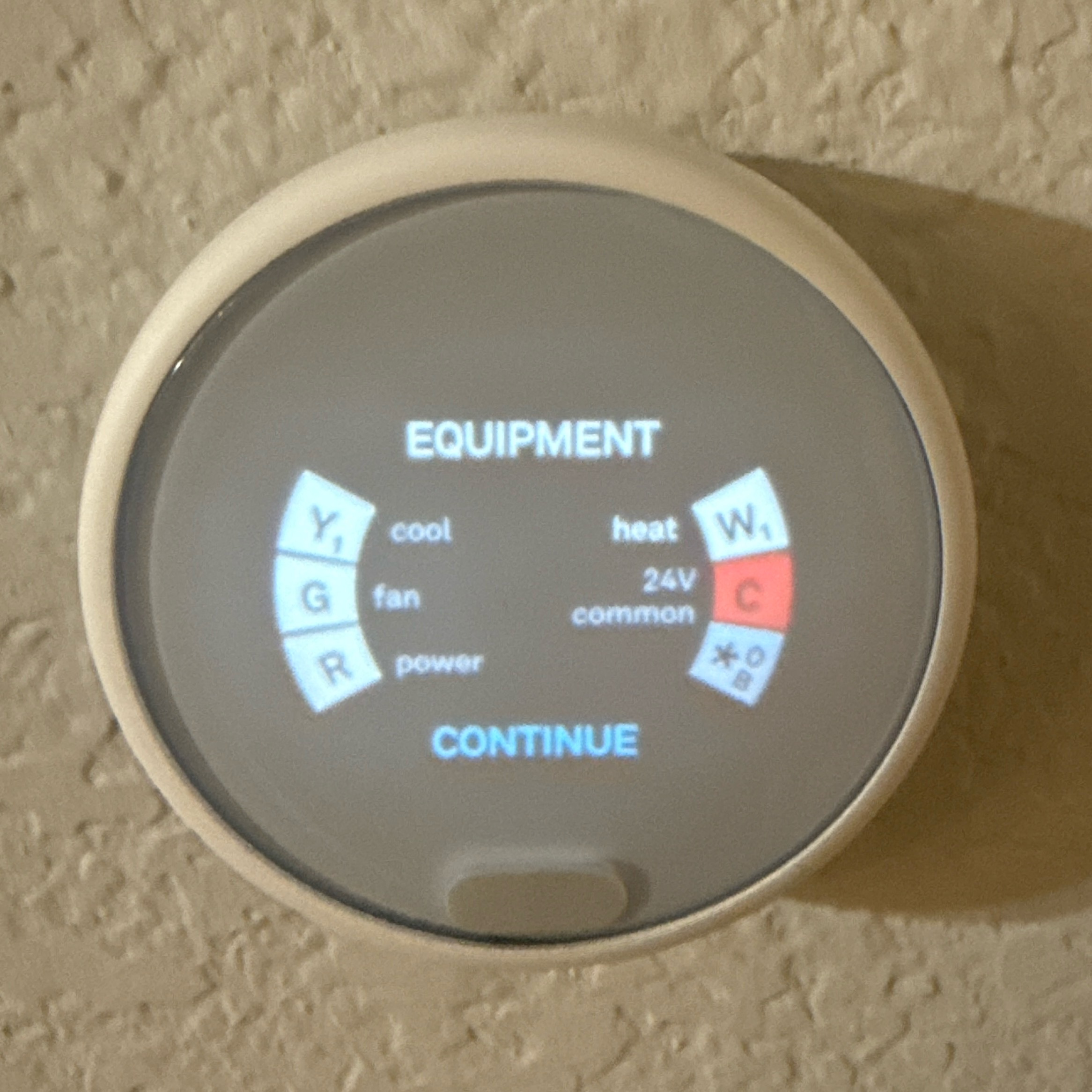
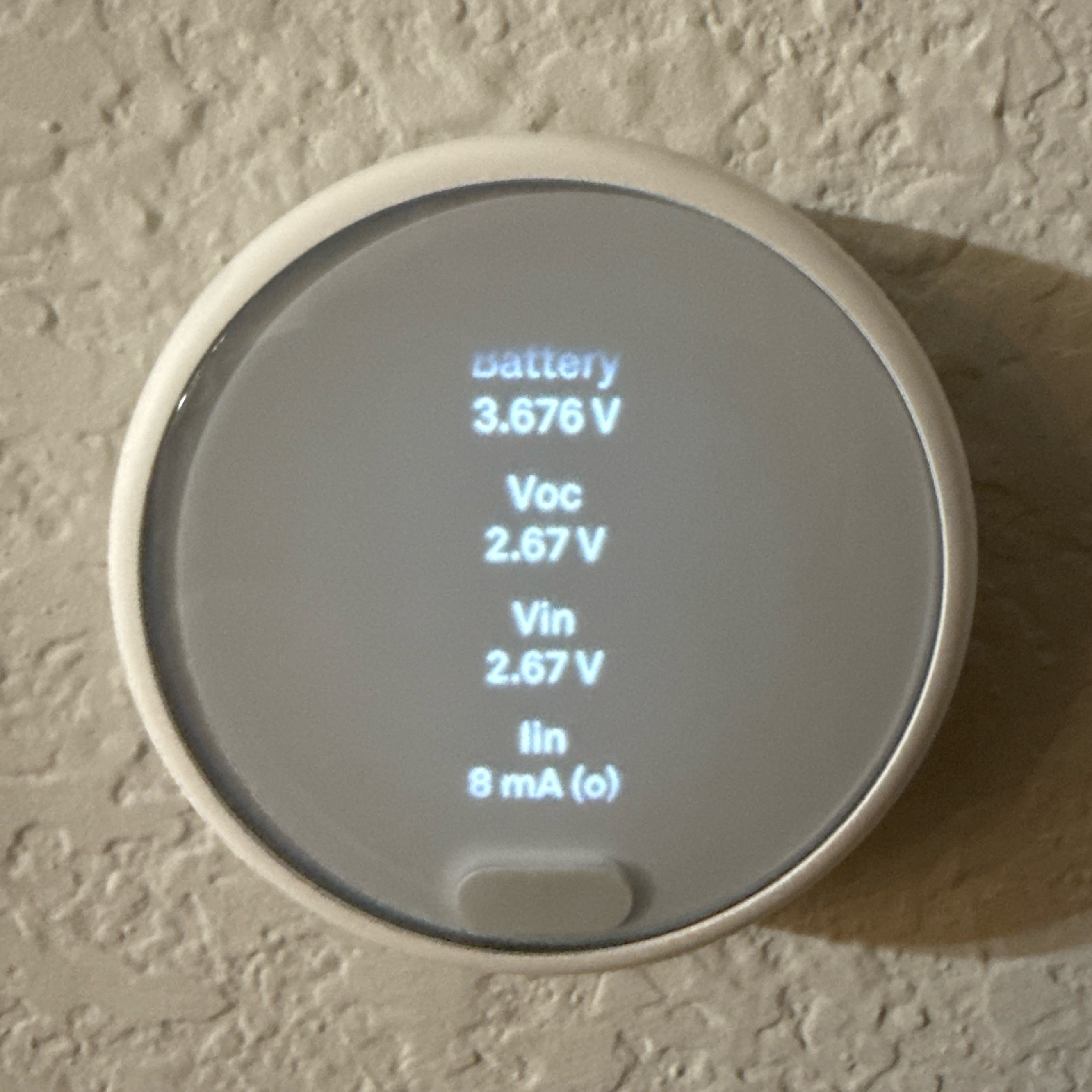
The Nest showed that it couldn’t detect the C wire — that’s the “Common” wire, basically the “neutral” for power. It also showed Von and Vin voltage of only 2 volts. It seemed to be trying to “pull” power from other signal wires — the HVAC would turn on from time to time as if the thermostat was sending a cooling signal.
First, I checked the voltage between R and C — the multimeter showed 27 volts. That’s good, but that’s without a load. To check if there’s any voltage drop under load, you can use a 1-2 kΩ resistor.
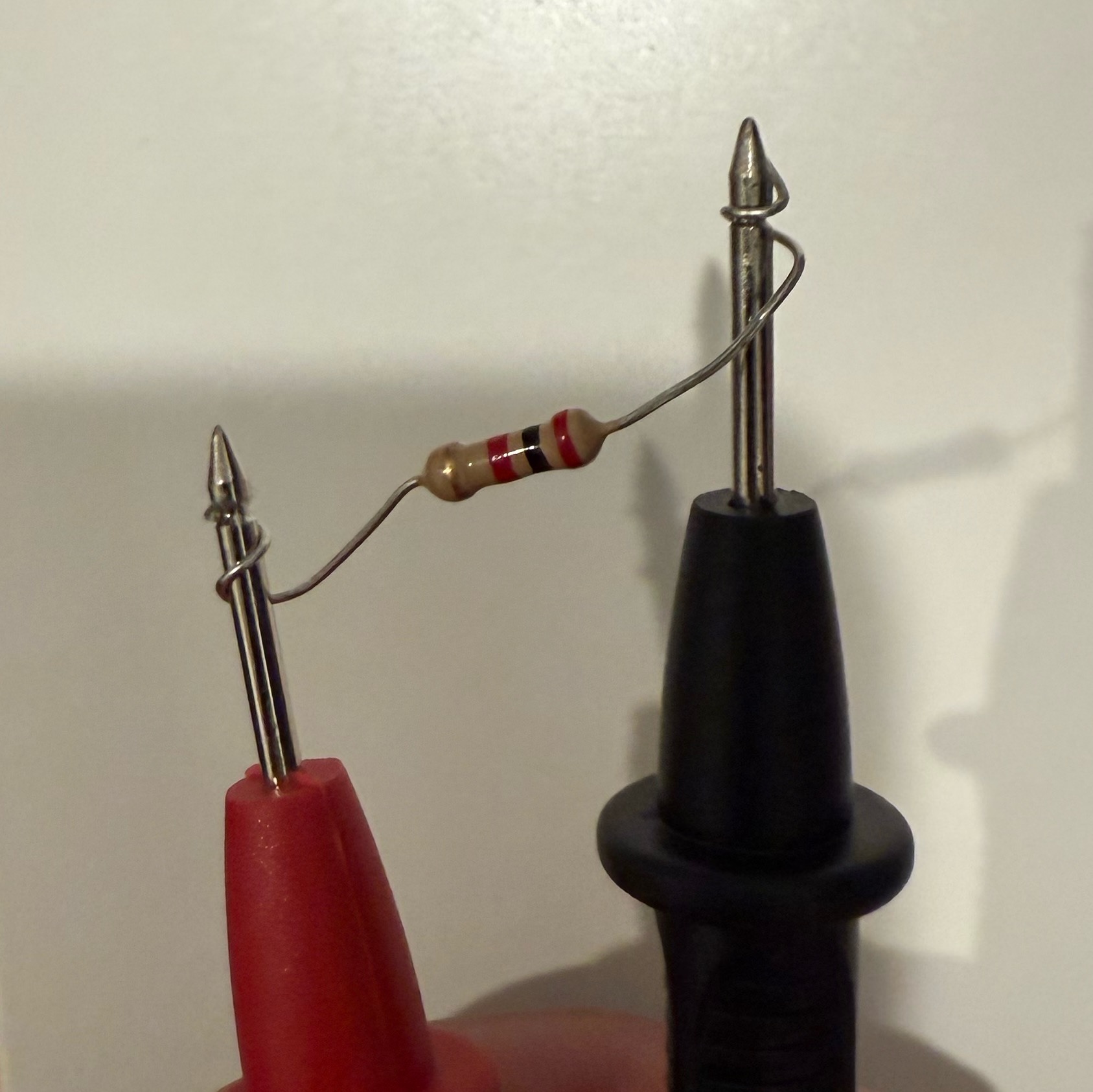
Important: You need to set the multimeter to measure AC voltage. With the resistor, it still showed 27 volts — so I could conclude that the transformer and wiring were fine.
HVAC Control Test
You can also check if the HVAC control is working properly. To do this, carefully connect R and Y (cooling) or R and W (heating). The test showed that the control board was also working — cooling and heating turned on.
❗ Never connect R and C without a load! This will cause a short circuit! Be careful!
Final Check
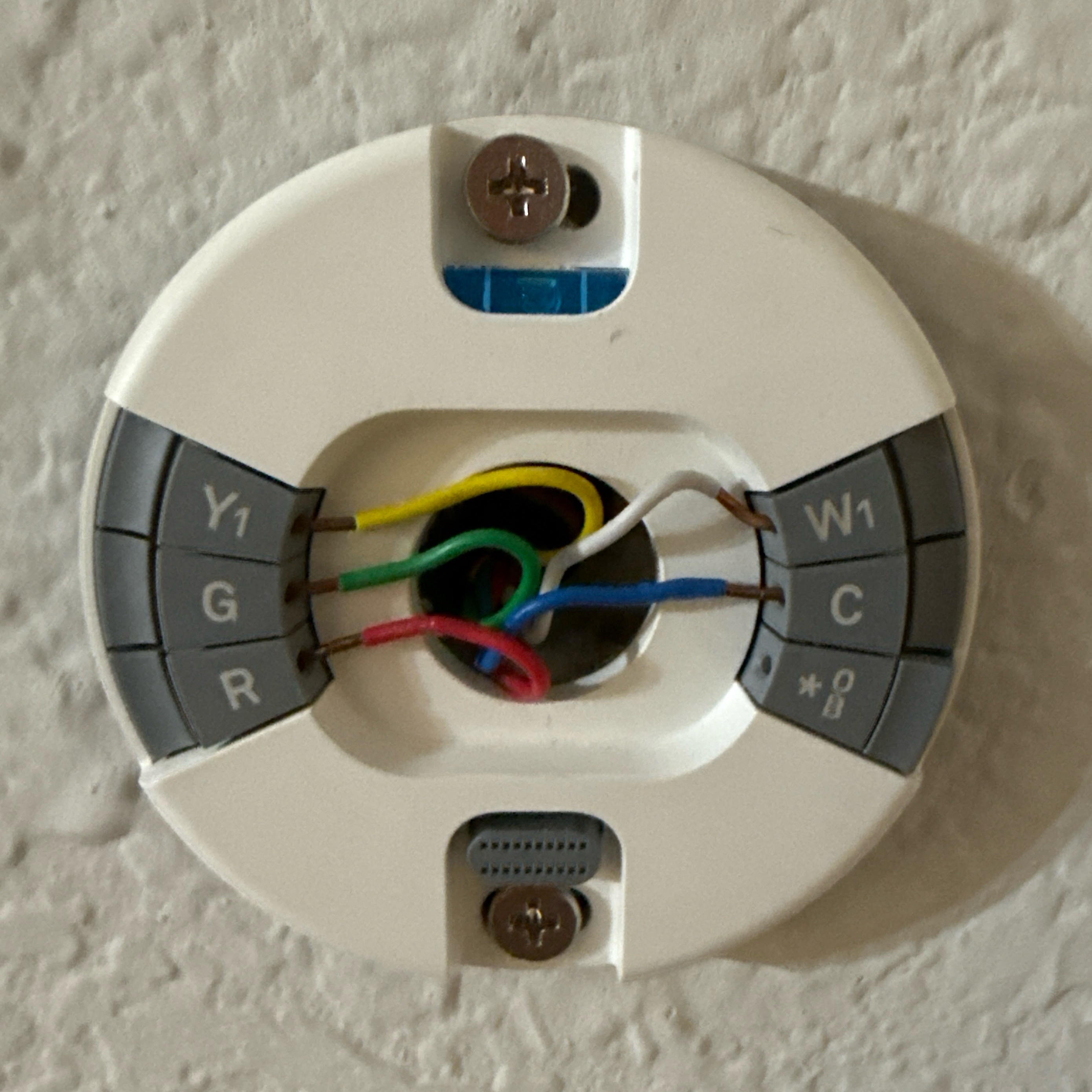
I examined the base. I didn’t find anything unusual — the wiring wasn’t oxidized and was inserted correctly. The problem was most likely either in the base or in the Nest itself (it was already 5 years old), plus, as I mentioned above, there was a strong thunderstorm and no lightning rods/surge protection.
I ordered a new Google Nest Learning thermostat, connected the wiring — as shown in the photos below. I installed the thermostat — everything works! The voltage is also normal.
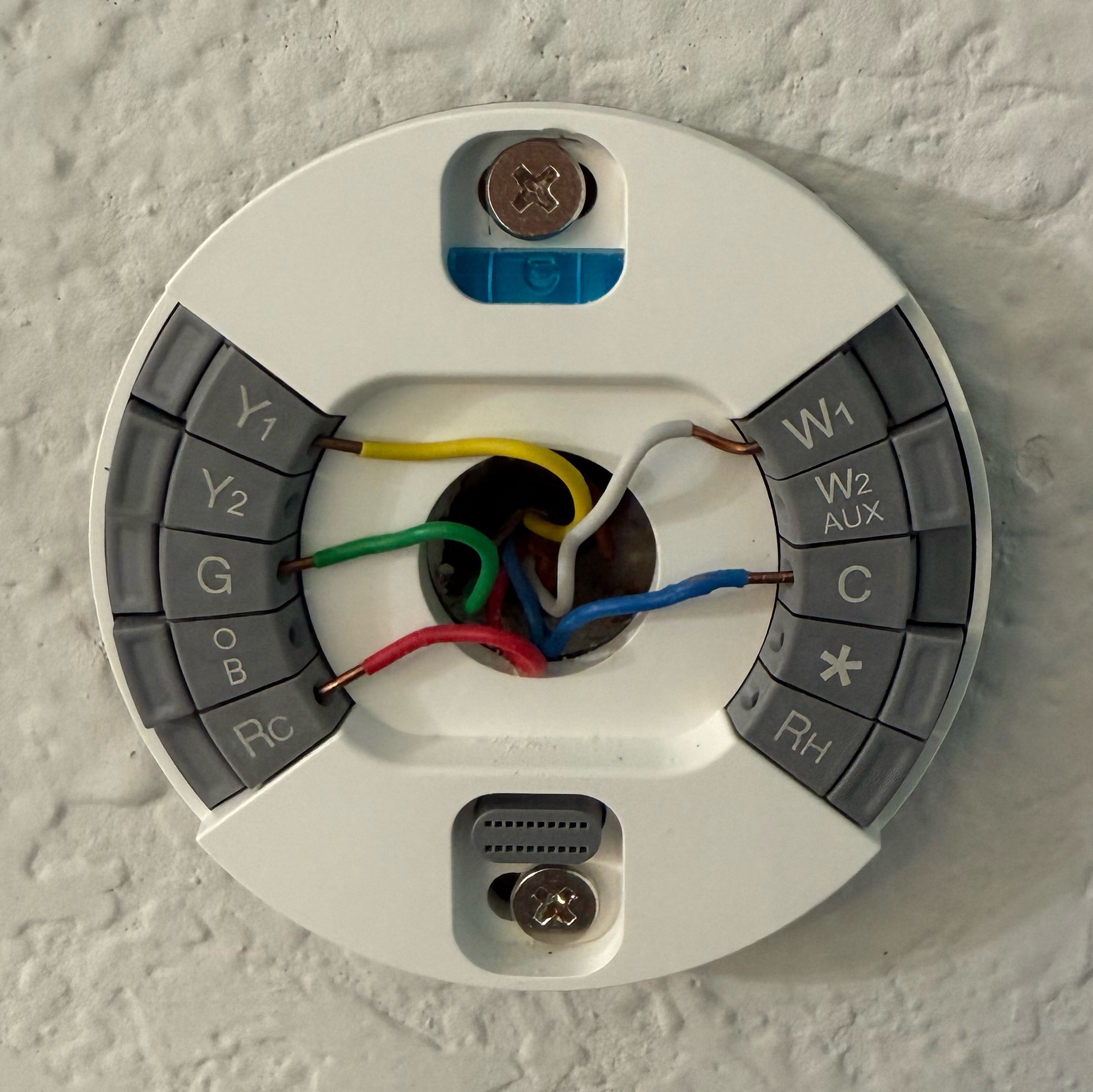

We won’t die from the Texas heat!
Conclusion
I need to install a lightning rod/surge protection…
Leave a Reply