
In this post, I want to share a website that Rostyslav and I use for creating 3D models and experimenting with electronic circuits.
It is Tinkercad.
3D modeling
Tinkercad has a very simple and convenient 3D editor without too many complicated tools. Because of this, it is easy for kids to understand and start creating their own models.
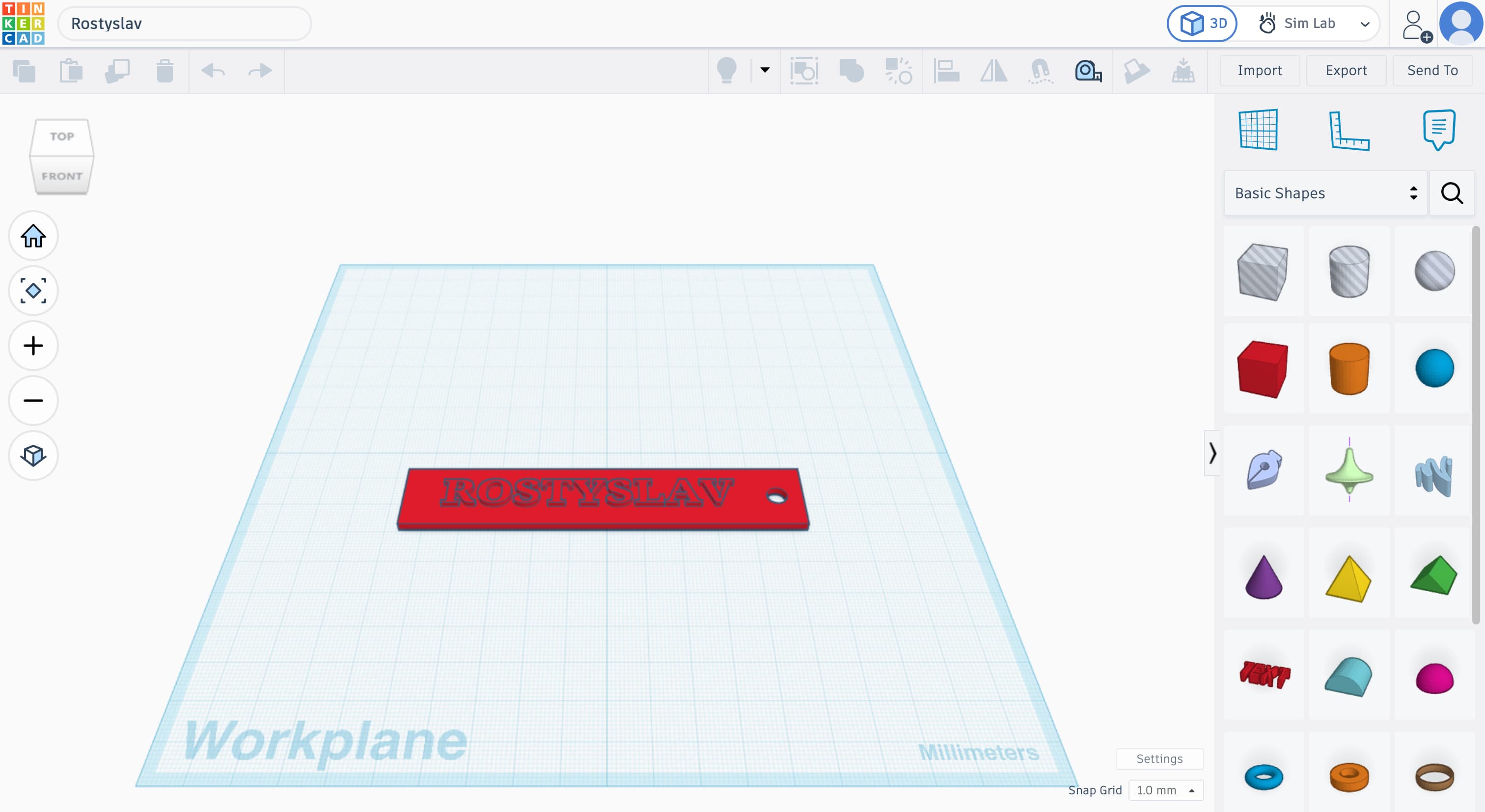
There is also a section called Sim Lab. In this section, you can run different physics simulations with 3D objects. I plan to make a separate video about Sim Lab in the future.
Circuits
Tinkercad also has an electronic circuit simulator. But it is much more than just a simulator. You can build a circuit, write code for Arduino or micro:bit, compile it, and run the whole thing directly in your browser. There is also a large collection of electronic components you can use.
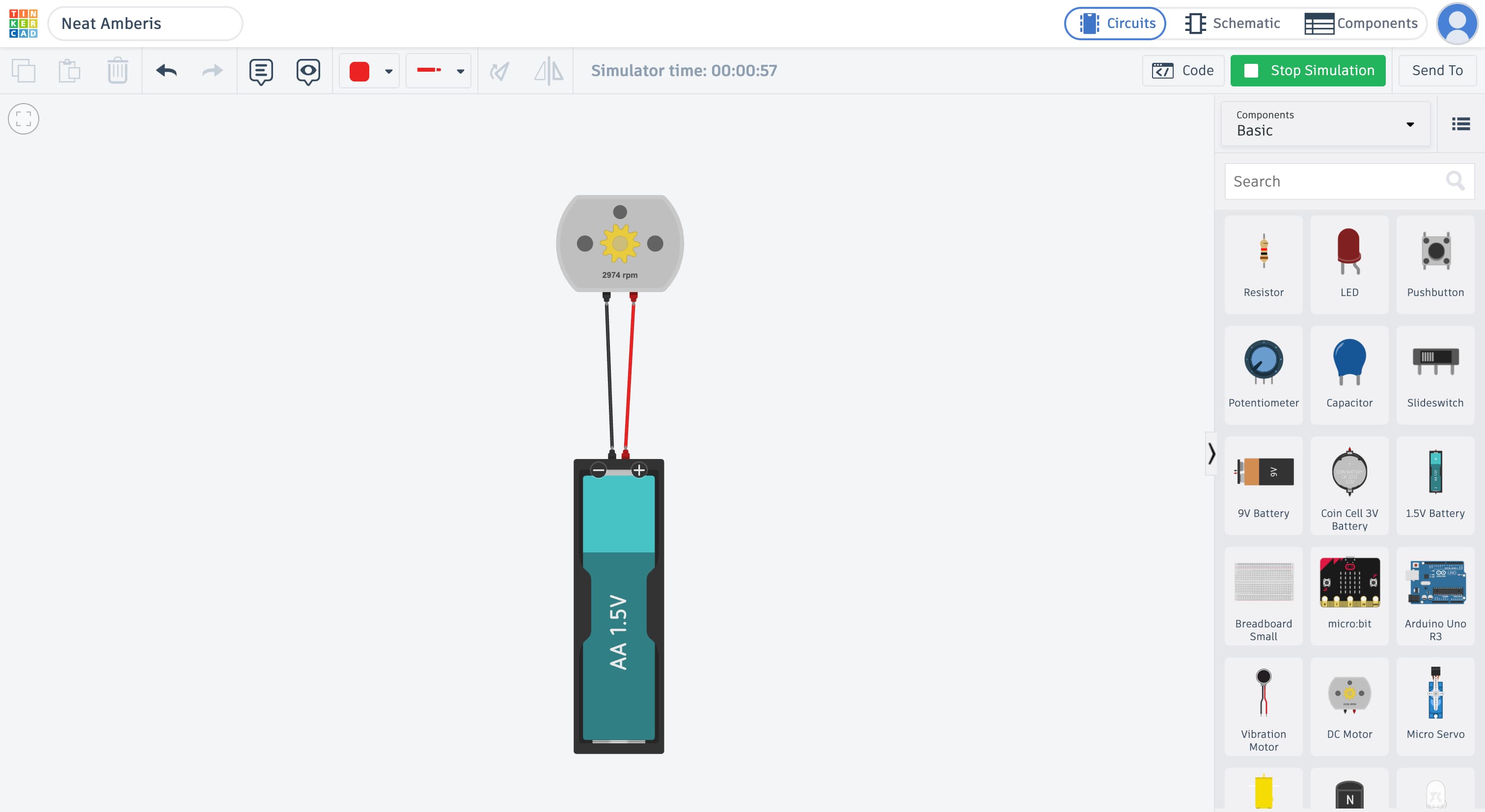
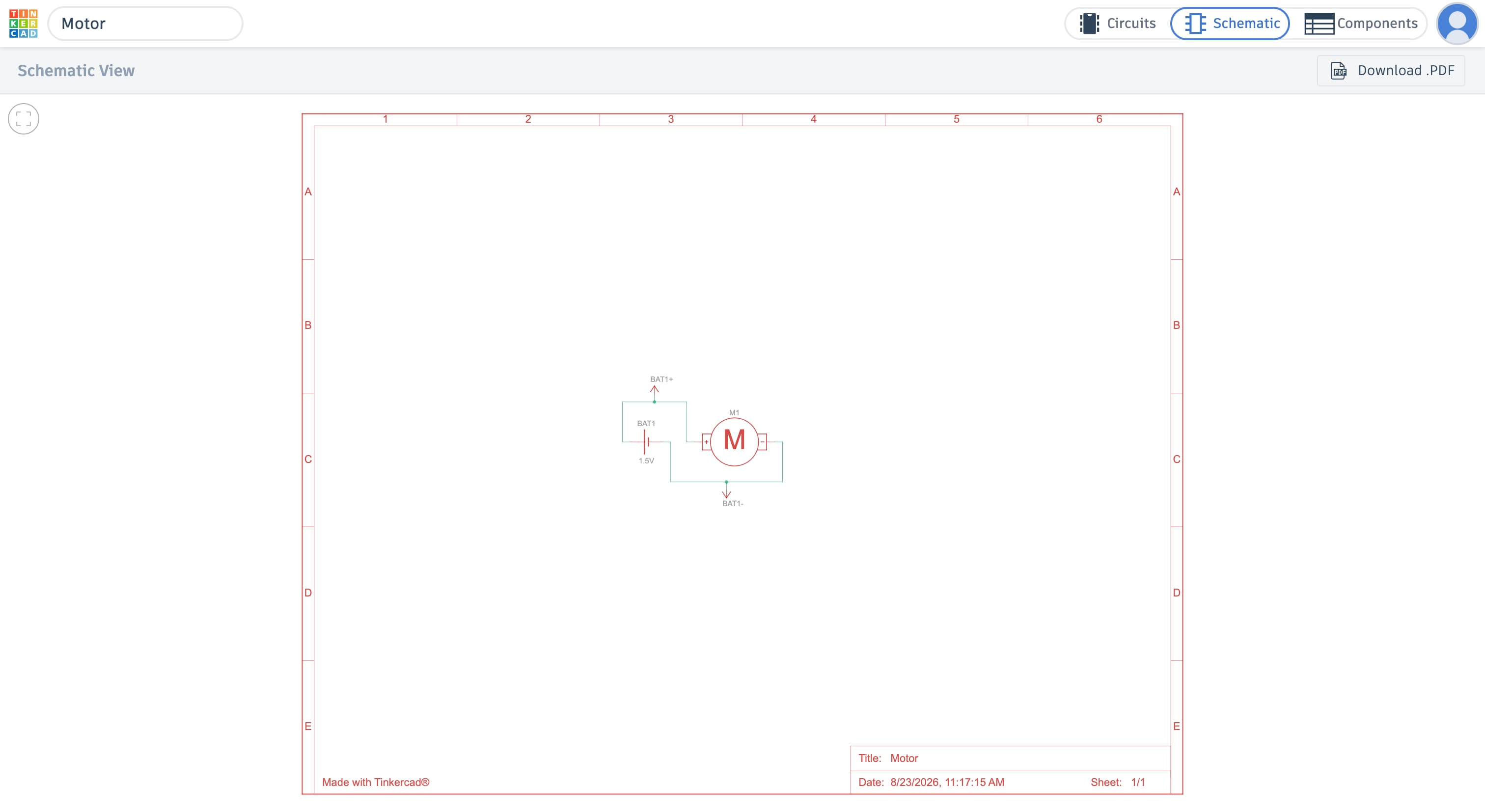
You can switch to the schematic view and see the circuit as a real schematic diagram with components and connections. This is very useful for kids because it helps them learn how to read circuit diagrams, recognize components, and understand how everything is connected.
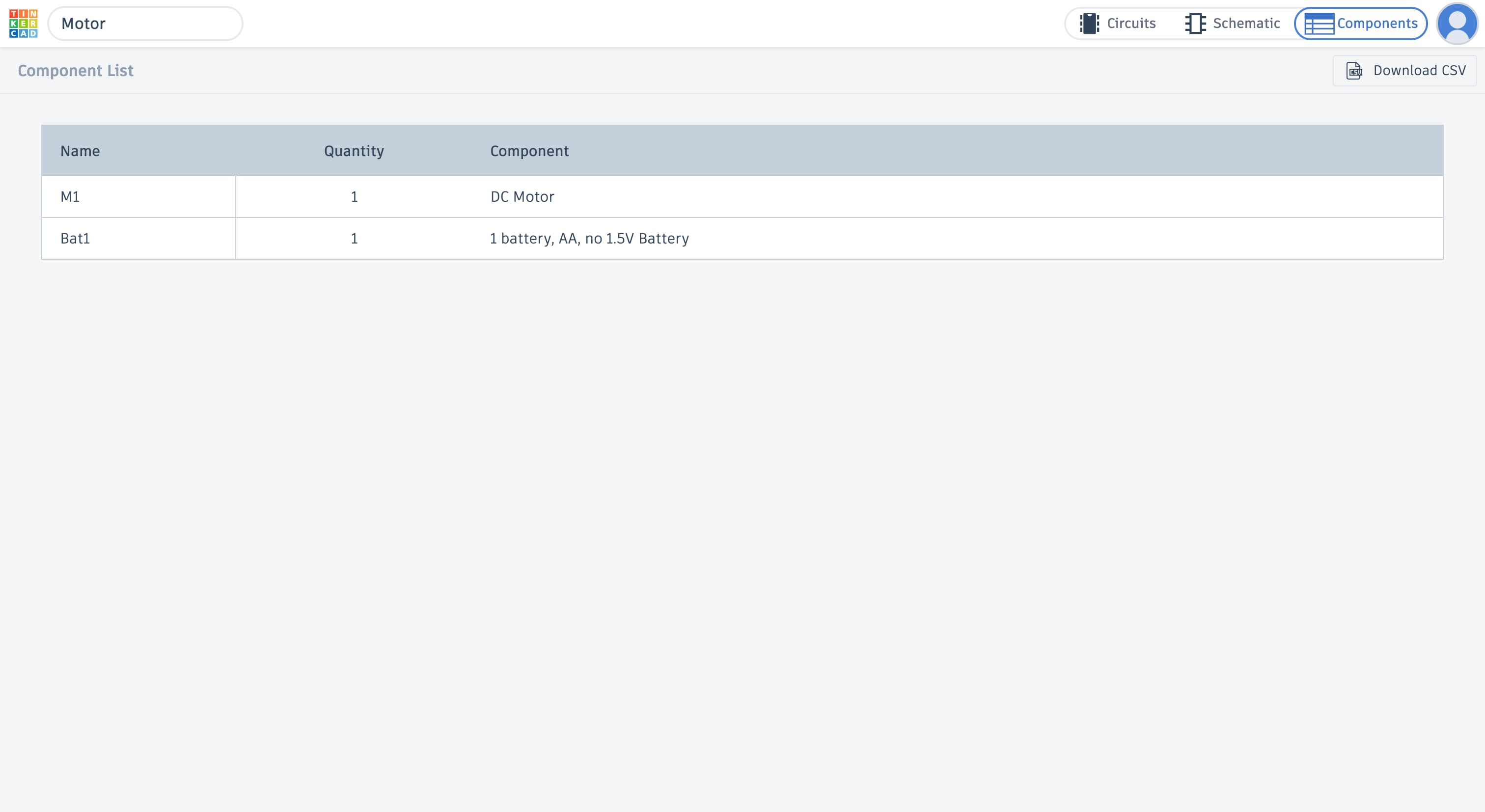
In the Components view, you can also see a list of all the components used in the circuit and their values.
Coding
You can also learn programming with blocks (like Scratch). We haven’t really tried this part in Tinkercad yet because for micro:bit we currently write all our programs using Microsoft MakeCode.
Conclusion
If you are looking for a simple website to learn 3D modeling and electronics, I think Tinkercad is a great option.
And what simulators, apps, or websites do you use for 3D modeling, electronics, or learning?
Leave a Reply