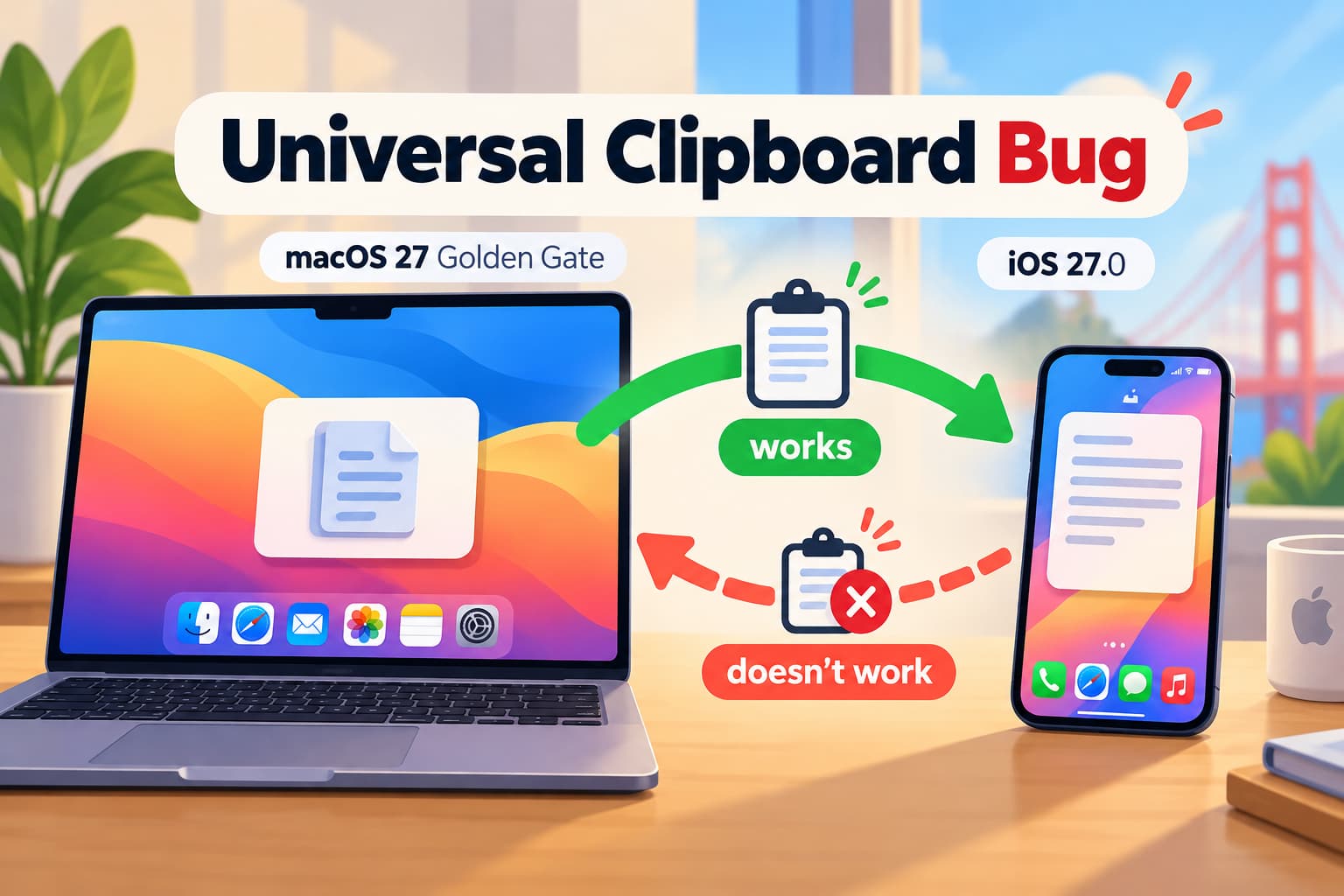
I found another strange bug after updating my devices to macOS 27 Golden Gate 27.0 and iOS 27.0.
Apple has a Continuity feature called Universal Clipboard, which lets you copy text, images, and other content on one Apple device and paste it on another. Universal Clipboard relies on Handoff to work between devices.
But in my case, it currently works only in one direction.
If I copy something on my Mac, I can paste it on my iPhone without any problems.
But if I copy something on my iPhone, I can’t paste it on my Mac.
So right now:
- from macOS to iOS: works
- from iOS to macOS: doesn’t work
Both devices are using the same Apple Account, Wi-Fi and Bluetooth are enabled, and Handoff is enabled.
The interesting part is that Universal Clipboard is clearly working because copying from the Mac to the iPhone works perfectly. The problem appears only when copying in the opposite direction.
I started seeing this issue with macOS 27 Golden Gate 27.0 and iOS 27.0.
I already wrote another post about a Mission Control bug in macOS 27 Golden Gate, so unfortunately this is not the first strange issue I have encountered after the update.
Hopefully, there won’t be any more bugs 😅
Leave a Reply